


 Sign In
8 Best 3D Documentation Software for Facility Managers (2026 Guide)
If you manage facilities, you've probably inherited at least one "as-built" set that's wrong. A closet became an electrical room. A valve got moved during a tenant fit-out. And every time a contractor shows up, you're back at square one with orientation.
Keeping your FM data accurate doesn’t have to be complicated. 3D documentation software uses reality capture technology to create a single, navigable source of truth for your facility.
We’ve compared eight of the best 3D documentation software for facility managers. This guide will help you select a solution that helps you spend less time hunting for answers and more time keeping your facility running smoothly.
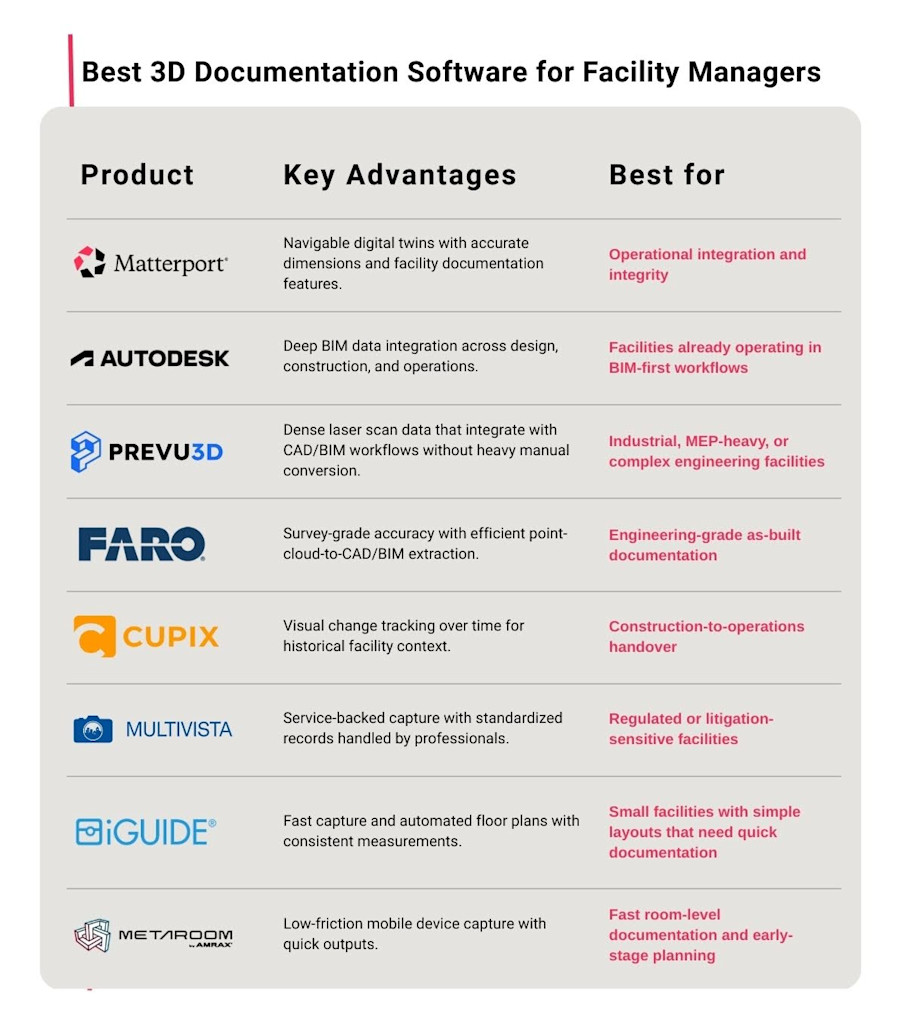
Matterport: Best for operational integration and integrity
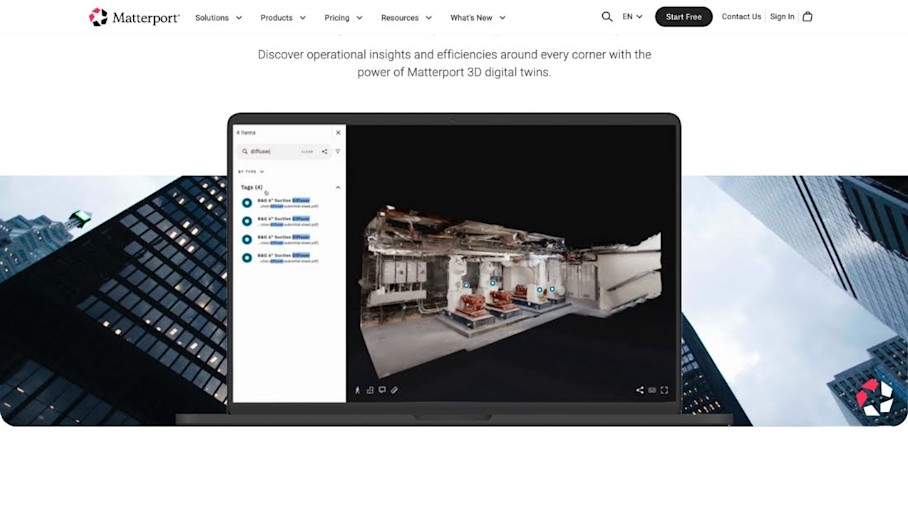
Matterport works well when your goal isn't a one-time "documentation project," but an ops habit. You can scan your building once to create an immersive, accurate model of your space. Then use that 3D documentation across multiple facility management workflows without re-measuring.
Standout features
Matterport's strength for facility teams is how many workflows you can pull from one capture. Features include:
3D digital twins: Accurate, immersive digital replicas of built environments that stakeholders can walk through for documentation, maintenance planning, and remote inspections.
Floor plans: Automated schematic 2D floor plans and interactive 3D virtual tours or dollhouse views for quick layout reference.
Cloud‑based access & collaboration: Store, view, and share models online with stakeholders easily. No need to send bulky files.
High-precision measurements: Assess distances and areas directly in the model for planning, repairs, and validation.
Integration with BIM/CAD workflows: Export point clouds, BIM and CAD files to integrate with software like Autodesk Revit for deeper analysis.
Tags & Notes: Label virtual assets with metadata, manuals, photos, links, feedback, or service history for better context.
Privacy controls: AI-powered face blurring and a manual Blur Brush obscure sensitive information.
Accurate as‑built documentation: Replace outdated drawings and hand sketches with up‑to‑date spatial data that preserves institutional knowledge.
Portfolio & workflow management: Organize multiple digital twins in a central dashboard and connect scanning outputs to workflows and project planning tools.
Capture Services: A global network of professional technicians can deliver scans in as little as 24-48 hours for large-scale facility portfolios.
Pros & cons
Matterport’s Pro3 camera delivers ±20mm accuracy at a 10-meter range, supporting a wide range of facility management workflows, including:
Scoping contractor work
Verifying equipment clearances
Risk assessments
During a 20,000m² facility expansion on the remote island of Børøya, Norwegian aquaculture company Nordlaks used Matterport to align on changes, conduct remote inspections, and plan around live production zones.
“Even a small mistake can lead to costly delays when your equipment is coming from 2,500 kilometers away. The digital tools help us plan precisely.” - Tomas Tømmerås, Chief Operating Officer, Nordlaks Products
On the trade-off side, Matterport isn't a CAD authoring tool for creating new designs from scratch. It is for existing facilities and sites only. Instead, you can export E57/XYZ/OBJ or order BIM files to feed downstream design tools.
Pricing
Matterport offers a free plan for getting started and flexible subscription tiers. Prices start at $12 per month for smaller use cases and range up to enterprise-level custom contracts that include SAML 2.0 SSO, advanced permissions, and dedicated support for large, multi-facility portfolios. See the pricing page for more information.
Autodesk: Best for BIM-centric facility management
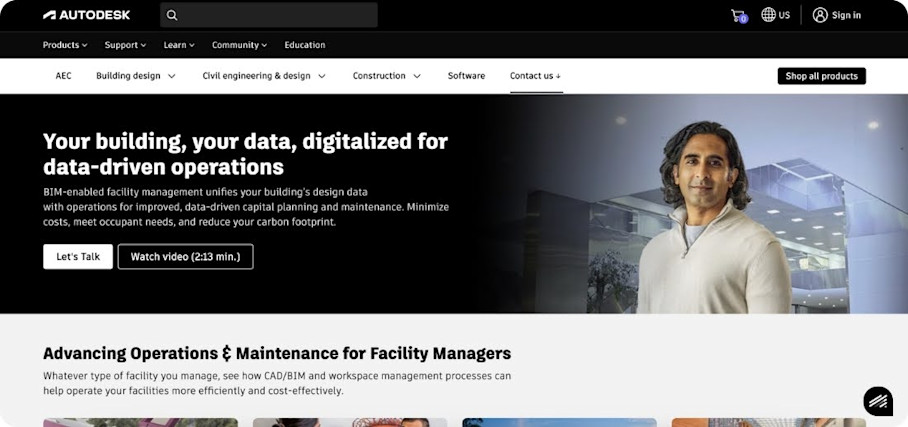
Autodesk is the default choice for facilities with existing BIM workflows. It enables facility managers to make decisions through a common, data-rich environment in the cloud.
The ecosystem approach connects design, construction, and operations tooling for powerful continuity across workflows.
Standout features
Autodesk provides a number of tools that connect design-to-build-to-operate in one ecosystem. Together they provide:
2D & 3D documentation: Precise, visual, and documented access to facility layouts, including 3D walkthroughs for maintenance planning.
BIM data integrations: Connect with asset databases to facilitate preventive maintenance, warranty tracking, and scheduling.
IoT monitoring: Connect building IoT alerts to facility management systems and monitor real-time conditions (e.g., HVAC temperature, room heatmaps) and anomalies.
Simulations: Leverage model data to simulate risk scenarios, providing critical information for disaster planning.
Space modeling: Models layouts to optimize space utilization and plan for future renovations.
Pros & cons
Autodesk is a great choice if you are committed to BIM workflows and have the internal support to administer them. The breadth of tools on the platform provide continuity that standalone documentation tools can't match, and it excels at keeping facility teams aligned. Users frequently praise the enhanced communication across disciplines.
The stack is heavier than many FM-first platforms, and the complexity of such a vast toolset does come with a steeper learning curve than other tools.
Pricing
Autodesk pricing varies depending on the package of tools you choose to use. Pricing is typically based on the number of users and the level of functionality. Options include unlimited access subscriptions and flexible access with daily rate charges.
Prevu3D: Best for high-detail industrial and MEP documentation
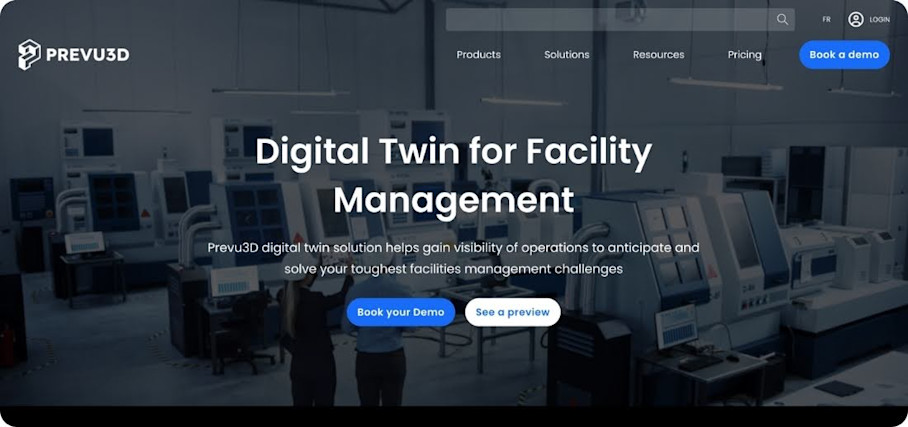
Prevu3D targets laser-scan-to-3D workflows where higher detail is required. It serves complex industrial or manufacturing spaces and MEP areas, acting as a secure cloud hub for managing heavy 3D datasets.
Standout features
Prevu3D features are built around handling heavy reality capture data:
Secure cloud platform: Enterprise-grade security for managing and sharing 3D scanning and photogrammetry data across teams and external partners.
Up-to-date scan data and navigation: Unified datasets serve as a single source of truth for facility reality data. Native plugin integrations connect into CAD/BIM workflows.
Visual asset management: Track equipment within the 3D environment and link spatial documentation to maintenance records and operational data.
RealityConnect native plugins: Reduce manual conversions and keep alignment stable.
Pros & cons
Prevu3D’s RealityConnect plugin suite is explicitly designed to avoid slow export, conversion, and import loops, so it’s powerful for complex facilities planning, verification, and coordination between engineering teams.
The platform does assume you have point-cloud scanning workflows and the internal capability to manage heavier 3D datasets. This creates more overhead than simpler capture tools for day-to-day facility management needs and you’ll need the capability to capture and manage large datasets.
Pricing
Prevu3D offers four pricing plans that cover hosting and processing at incremental capacities. Each requires contacting the team for pricing based on use case and scale.
FARO: Best for engineering-grade point cloud documentation
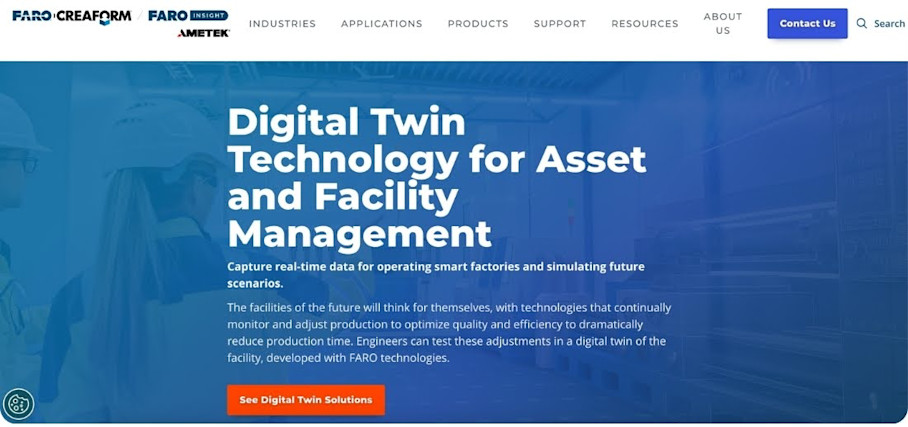
FARO serves high-precision reality capture needs where engineering-grade 3D documentation is essential. The FARO As-Built Software Suite ensures architects and engineers efficiently create building designs based on precise as-built data that's fully compatible with their CAD and BIM systems.
Standout features
The suite offers specialized tools for different workflows. Capabilities for facility documentation include:
BIM extraction: Quick and intuitive workflows for processing 3D as-built laser scanning data directly in Revit using Revit objects and BIM models.
CAD extraction: Extract and export surface data in various CAD exchange formats, including DXF, STEP, and IGES.
Design validation: Use virtual overlay with the as-built site to run clearance checks and clash detection.
Floor plans, elevation plans, and facade plans: Automated extraction tools pull precise 2D deliverables from point cloud data.
Pros & cons
FARO’s specialized workflows prioritize accuracy, with tools that facilitate efficient extraction and integration of point cloud data into CAD and BIM systems. Tight Autodesk integration accelerates workflows for teams already using those platforms.
However, FARO is fundamentally a production workflow rather than operational 3D documentation software. It excels at creating precise as-built records but wasn't designed for ongoing operational updates.
Pricing
FARO software is generally available on annual subscription terms, with quotes routed through sales.
Cupix: Best for construction-to-operations handover
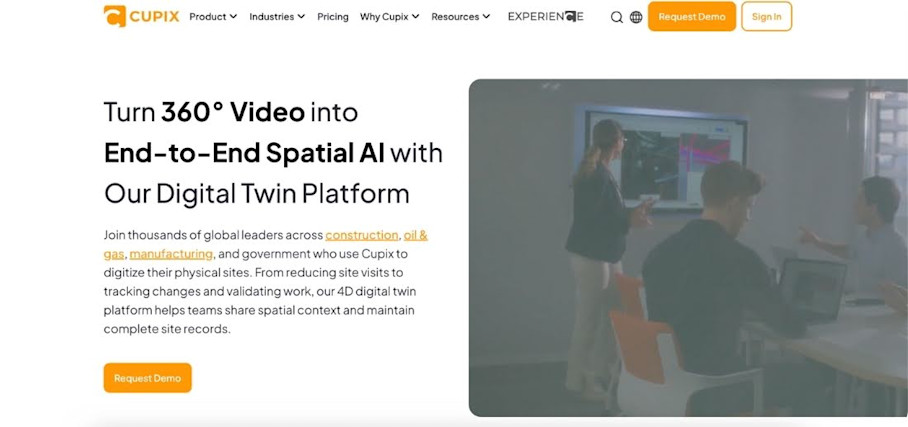
Cupix captures both 3D spaces and their evolution over time to create a “4D record” from construction documentation into ongoing facility visibility.
For facility managers inheriting a newly constructed or renovated building, Cupix provides a useful historical context of what was built, when, and where.
Standout features
Cupix centers on turning frequent capture into something you can actually use during handover:
3D dollhouse from 360° video: AI transforms walkthrough videos captured with a consumer-grade 360° camera into detailed 3D spaces you can measure and analyze.
Geo-tagged annotations: Quickly locate and verify critical assets during maintenance or emergency response.
Face and body blurring: Privacy controls automatically obscure people captured during site walks.
Change Tracking: Document facility modifications over time with detailed before-and-after comparisons.
Pros & cons
Progress tracking is a core product focus for Cupix. The timeline comparison feature helps facility managers understand how their building evolved during construction.
However, in order to benefit from this, frequent walkthrough capture is a required discipline. If your team can't support regular cadence, the model will get stale fast.
Pricing
Cupix offers two pricing plans and requires you to contact their sales team for a quote based on project scope and organizational needs.
Multivista: Best for outsourced documentation services
Multivista provides professional capture services rather than self-serve software. This approach works well for regulated environments or litigation-sensitive projects, where a service-backed model for reliable documentation can be a relief.
Standout features
Multivista focuses on defensible documentation coverage with:
Standardized multi-format capture: Professional teams handle standardized capture protocols for photo documentation, 360° photos and 3D laser scanning to ensure consistent quality.
Site-Walk 360°: Walkthroughs for remote QA/QC and as-built validation.
Mobile app: Self-capture features are available using mobile devices for teams that want to supplement professional captures.
Hosted point clouds: Support disputes and verification workflows with defensible proof.
Pros & cons
Multivista is a fit when consistency and risk reduction are a priority, as their platform emphasizes indexed, shareable records of proof.
The service model works best for discrete projects or engagements rather than ongoing self-serve updates. Keeping an up-to-date record would require scheduling recurring professional visits, which may not fit maintenance-driven update cycles.
Pricing
A free demo is available. Pricing is provided upon request based on project scope and service requirements.
iGUIDE: Best for fast floor plans and smaller portfolios
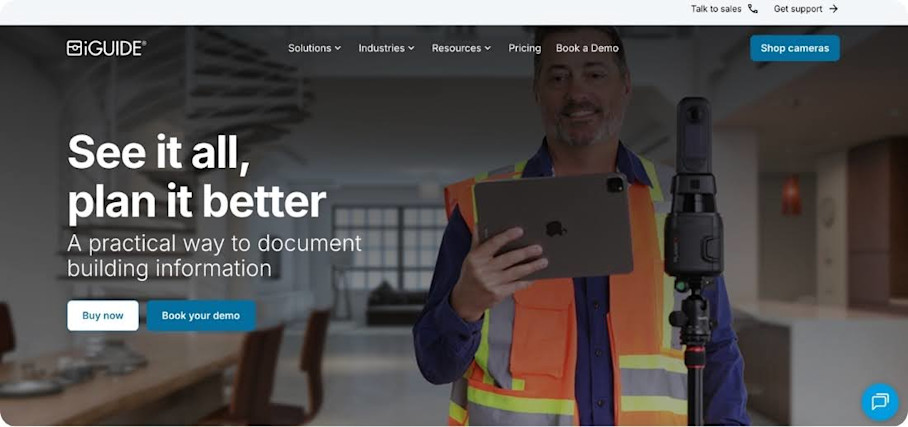
iGUIDE delivers fast facility documentation, making it ideal for smaller facilities or portfolios where speed matters more than precision or enterprise-scale features.
Standout features
iGUIDE's platform is built around speed and clarity:
Real-time tags: Mark points of interest directly in the model to identify equipment, maintenance access points, or areas of concern.
Analytics: Detailed property data including ANSI-compliant square footage calculations. Room dimensions and measurement data are exportable in multiple formats.
PLANIX R1 camera system: With a 16-second scan time, the iGUIDE PLANIX camera system has arguably the fastest capture time in the 3D modeling space.
Pros & cons
Many facility management tasks don't require a full BIM pipeline. If a plan, measurements, and a visual walkthrough that a vendor can understand are sufficient, iGUIDE may be the right choice.
While costs can be effective for smaller spaces, file generation and processing costs jump significantly for larger portfolios. Users also report inconsistencies with the iGUIDE drafting team. So, if you need consistent documentation for larger-scale facilities, you should probably look elsewhere.
Pricing
iGUIDE charges per project with no subscription fees. Packages range from basic sketches starting at $6.99 to premium drawings starting at $108.
Metaroom by AMRAX: Best for mobile-first room-level capture
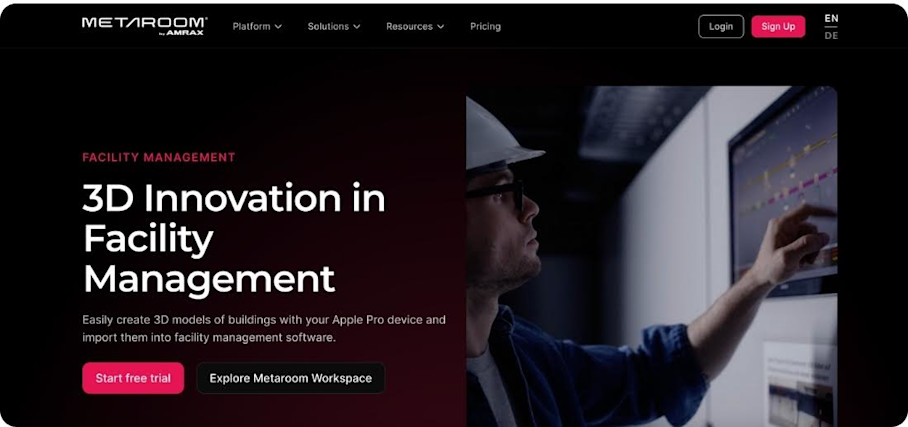
Metaroom enables quick room-level capture for smaller scopes using just an iPhone or iPad Pro with LiDAR. It's designed for documentation, planning, and light renovations with no specialized camera equipment required.
Standout features
Metaroom is designed to turn quick scans into outputs that design teams can actually use:
Multi-room scan: Capture and stitch multiple connected spaces into a single navigable model using mobile LiDAR.
Large-space scan: Extended capture mode handles bigger areas while maintaining accuracy suitable for planning and documentation purposes.
Snapshots and Notes: Document specific conditions quickly on-site with annotated captures that provide context for maintenance records or contractor coordination.
Pros & cons
Reviewers emphasize that Metaroom saves time for urgent, low-depth surveys and early CAD work. The low barrier to entry means any team member with a compatible device can capture spaces without training on specialized equipment.
However, the tool depends on LiDAR-enabled Apple Pro devices and there are inherent limits to mobile LiDAR. It is not fit for survey-grade accuracy, very large or complex industrial spaces, or consistent captures across a mixed-device workforce.
For many facility management teams, Metaroom is a tool that complements, rather than replaces, a more comprehensive digital twin strategy.
Pricing
Metaroom offers paid subscriptions starting at $14.90 per month. Feature depth, support, and export options vary based on subscription limits.
Choose a platform, then prove value with a single pilot
Choosing the right 3D documentation software for your facility management strategy comes down to four factors:
How do you capture space data?
How usable is the resulting model for non-technical staff?
How easily can you share it with contractors and stakeholders?
Does the output integrate with your existing operations workflows?
Once you’ve selected a solution that fits those requirements, run a clean pilot structure based on:
One building: Select a facility with active maintenance needs and upcoming vendor work, but avoid starting with your most complex property.
Two vendor scopes: Use the documentation software to scope at least two contractor projects. Compare the experience to your traditional process: Did vendors need fewer site visits? Were quotes more accurate? Did miscommunication decrease?
One recurring refresh: Schedule a rescan after 60-90 days to test the update workflow. How long does it take? Does your team actually do it?
One measurable ROI target: Define success before you start. For example, you might want to reduce contractor site visits or cut scoping time.
Keep the pilot short. A focused project will surface the real friction points in your workflow. It also gives you concrete data to justify (or redirect) a larger investment.
Get in touch with our team